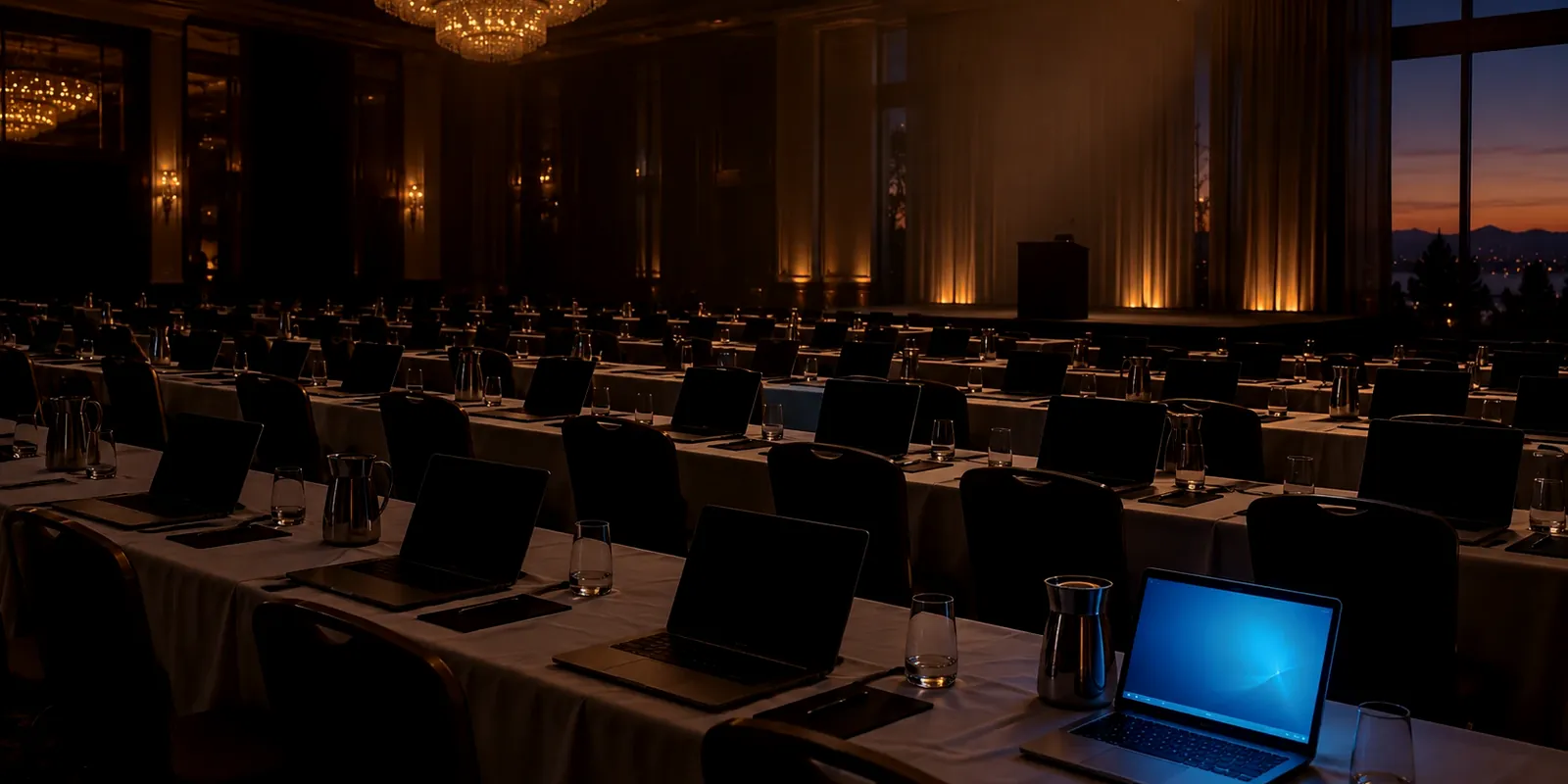
Picture a Monday training class for 40 new hires, a client who wants it run in their own building, and twelve working laptops in the supply closet. Buying the other 28 means a purchase order this week and a stack of idle machines by spring; turning the class down means losing the client. Renting fills the gap for the length of the class and sends the hardware home afterward.

This page covers laptop rentals for Dallas-Fort Worth events and short projects through Upstream Tech Solutions, the rental firm PCDrama refers DFW clients to: when renting beats buying, what each kind of event needs from its laptops, and what to ask about your data before the machines leave.
| Question | Points to buying | Points to renting |
|---|---|---|
| How often do you need the extra laptops? | Every working day | A few events or projects a year |
| Who sets them up? | Your IT staff has the hours | Nobody can image 50 machines by Friday |
| Where do they live between uses? | You have secure storage and someone to patch them | A closet, gathering dust and missing updates |
| What happens if one fails mid-event? | You keep spares on hand | The rental firm brings backups and stays on site |
| What happens to the data afterward? | You control the wipe | You ask the firm which method it uses (see below) |
Rent or buy: prices are moving the line
Link to section: Rent or buy: prices are moving the lineLaptops are getting more expensive to own. IDC cut its 2026 forecast to an 11.3% drop in worldwide PC shipments, blaming memory shortages, while PC market value still grows 1.6% to $274 billion because average selling prices are rising. A device bought for three events a year now costs more up front and spends the other 49 weeks depreciating in a closet, collecting firmware updates nobody installs.
"Instead, we expect a new normal defined by structurally higher ASPs and a corresponding softening in long-term demand."
Jitesh Ubrani Research Manager, Worldwide Mobile Device Trackers, IDC, in IDC's March 12, 2026 PC outlook
Our working rule from setting those sources side by side: buy the laptops your staff opens every day, and rent the surge. Higher prices push more of the surge toward renting, because the machines you would buy for a twice-a-year event now cost more and hold their value no better than before.
What each event needs from its laptops
Link to section: What each event needs from its laptops| Event | What the laptops must do | What to ask for |
|---|---|---|
| Corporate training | Identical machines with the same software, so every trainee sees the same screen | One image, preloaded, tested before delivery |
| Conference check-in | Move a crowd through registration fast | Several check-in stations, iPad kiosks, charging stations |
| Client presentation | Work the first time, in a room you do not control | A backup unit and someone on site |
| Temporary staff onboarding | Full working computers for weeks, not hours | Weekly or monthly terms |
| Trade show booth | Run demos and capture leads all day on venue power and Wi-Fi | On-site support and a plan for the booth network |
Upstream Tech Solutions is a Minneapolis rental firm that works on site with clients across North America. For DFW events, Upstream delivers 50 to 500 or more laptops configured with your software, tests every unit before delivery, keeps backup equipment on hand, and sends technical support to stay through the event. Each project gets a dedicated coordinator and an advance site survey, and quotes come back within 24 hours on daily, weekly or monthly terms. Its catalog also covers desktops, iPads and iPad kiosks, display monitors, printers, copiers, charging stations and audio-visual gear. A trade show booth lives or dies on the venue network, so pair the rental with our guide to securing your event Wi-Fi.
Ask about your data before the laptops leave
Link to section: Ask about your data before the laptops leaveA rented laptop goes back to the rental firm with whatever your staff left on it: saved passwords, a signed-in email account, a client's spreadsheet in Downloads. NIST's media sanitization guide, SP 800-88 Rev. 2 (September 2025), names lease returns as a case where the "clear" and "purge" methods fit better than destroying the drive, and says a certificate of sanitization should be completed for each device sanitized. Upstream wipes every drive between rentals; ask any rental firm, Upstream included, which SP 800-88 method its wipe meets and whether a certificate comes with the return.
Do your part before pickup. Have every user sign out of email, cloud storage and the browser, then reset the machine: on Windows, Settings > System > Recovery > Reset this PC with Remove everything; on a Mac, System Settings > General > Transfer or Reset > Erase All Content and Settings. Better still, keep client files in a cloud account so nothing sensitive is ever stored on the rental, the approach NIST's SP 800-46 Rev. 2 recommends for devices outside your control.
For a business owner, the short version: rented laptops are fine for client work if your files live in the cloud, everyone signs out before pickup, and the rental firm can say in writing how it wipes the drives.
Get a DFW laptop rental quote
Link to section: Get a DFW laptop rental quote- Send the event details: dates, headcount, venue and the software each laptop needs.
- Get a quote within 24 hours.
- Review the logistics plan: delivery time, setup, who is on site and the backup units.
- Run the event while Upstream runs the hardware, then hand the laptops back signed out and reset.
Start with the rental request form, or read more about Upstream on its PCDrama partner page. For the rest of the event stack, see event technology and our laptop rentals overview.
Quote checklist: what to send a rental firm
| Item | Why it matters |
|---|---|
| Event dates and setup window | Sets delivery, pickup and the rental term |
| Headcount and spares | One laptop per seat plus backups for failures |
| Venue address and access hours | Delivery crews need a dock, an elevator and a time |
| Software and accounts | The image gets built and tested before delivery |
| Network: venue Wi-Fi or your own | Decides whether networking gear comes too |
| Data handling requirements | Ask for the SP 800-88 method and a certificate of sanitization |
NIST SP 800-88 sanitization methods, in short
| Method | What it protects against | Device after |
|---|---|---|
| Clear | Simple recovery through the normal user interface | Reusable |
| Purge | Recovery with laboratory techniques | Reusable |
| Destroy | Any recovery; the media is physically destroyed | Not reusable |
Frequently Asked Questions
- Is it cheaper to rent or buy laptops for an event?
- Renting usually wins for laptops you need a few times a year, and buying wins for laptops used every day. Rising 2026 PC prices, which IDC expects to stay above 2025 levels, push more occasional needs toward renting.
- Does Upstream Tech Solutions serve Dallas-Fort Worth?
- Yes. Upstream is based in Minneapolis and works on site with clients across North America; PCDrama refers DFW events to Upstream through the rental request form on this page.
- How many laptops can Upstream supply?
- From 50 to more than 500 for a single event, configured with your software and tested before delivery, with backup units on hand.
- What happens to my data on a rented laptop?
- Sign everyone out and reset each machine before pickup, and ask the rental firm which NIST SP 800-88 method it uses to wipe drives and whether it issues a certificate of sanitization.
About Event Laptop Rentals
Link to section: About Event Laptop Rentals- NIST SP 800-88 Rev. 2: Guidelines for Media Sanitization
- NIST SP 800-46 Rev. 2: Telework, Remote Access and BYOD Security
- IDC: 2026 PC Outlook
NIST maintains the federal guidance on wiping and securing devices, and IDC tracks worldwide PC shipments and prices quarterly.
Sources: IDC: Cuts 2026 PC Outlook to -11.3%, NIST SP 800-88 Rev. 2, NIST SP 800-46 Rev. 2